Congratulations, your call has been scheduled. Follow the steps below to confirm your call and avoid it being CANCELLED.
Email sent. Check your inbox for an email with all the details.
Your call is scheduled with:
{{appointment.user.name}}
Q
When
· {{appointment.start_time}}
Where
Add to calendar:
Step 1: Confirm your appointment — go to your email and reply “Yes” or “Ready” to confirm.
Step 2: Check your messages — open iMessage or WhatsApp and reply to the text we’ll send shortly.
Step 3: Add it to your calendar — tap the confirmation email or text to add the event.
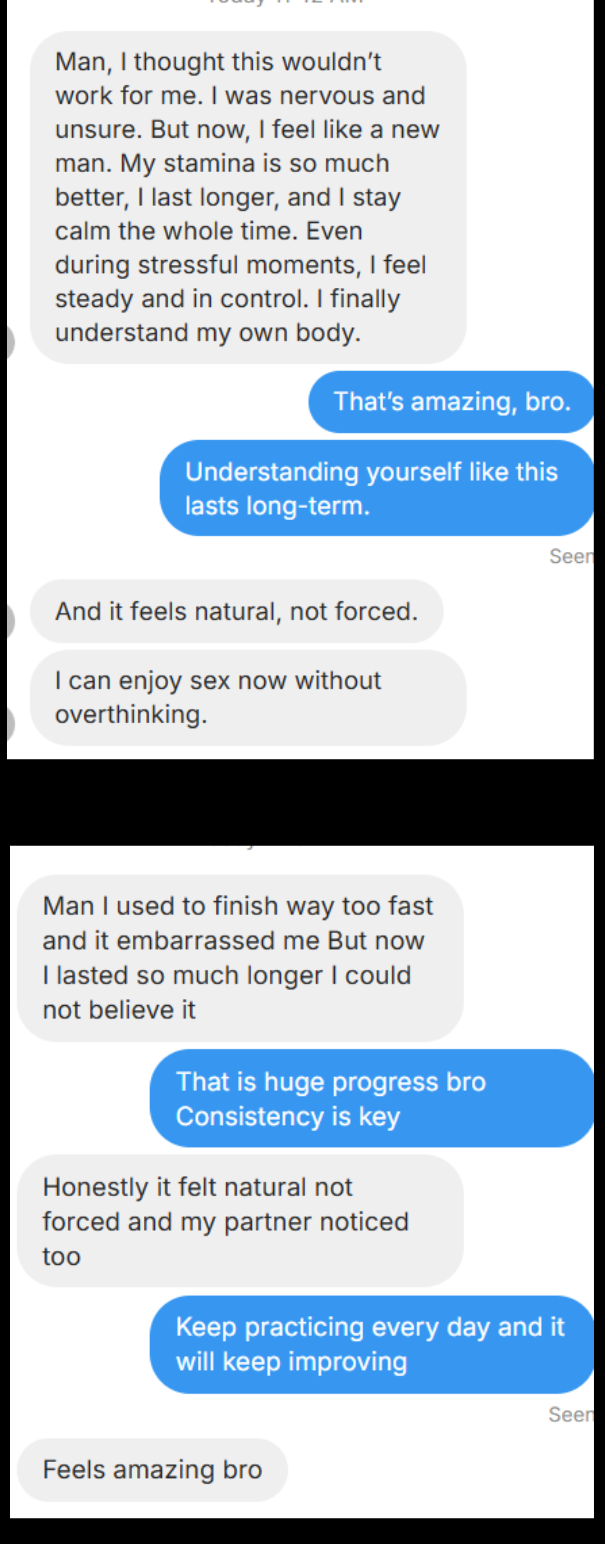
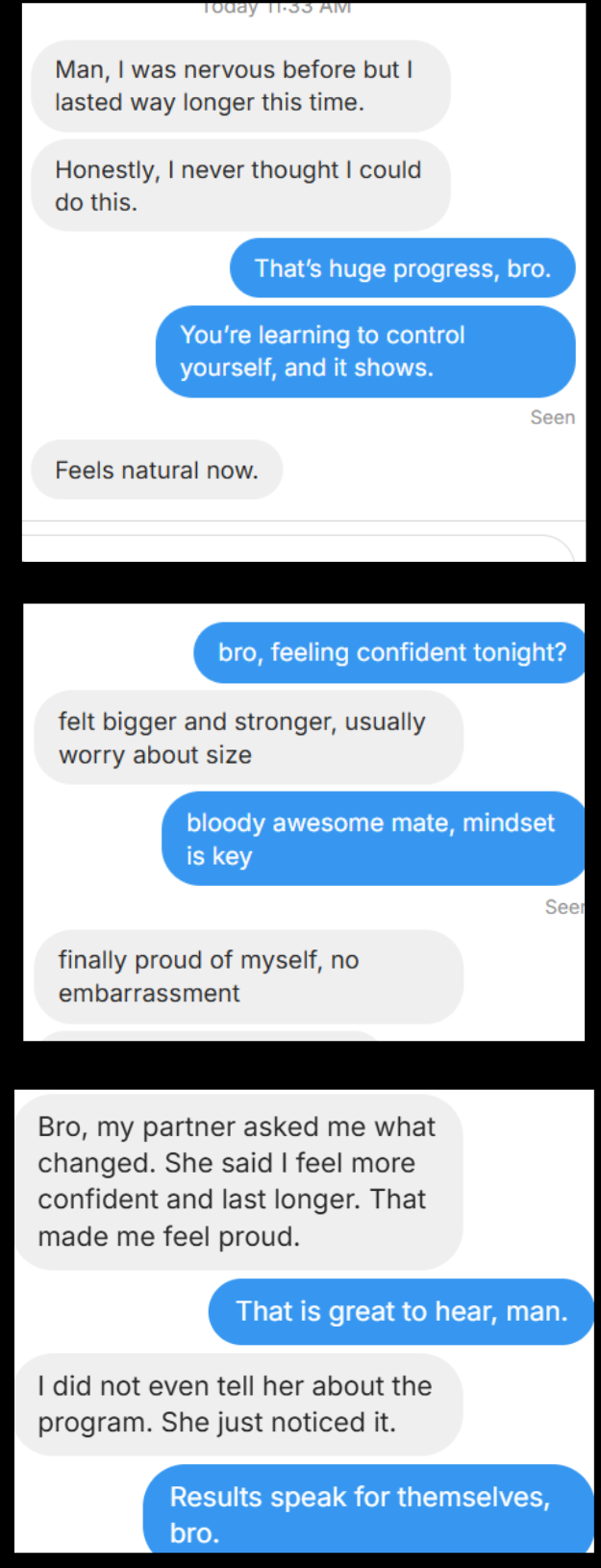
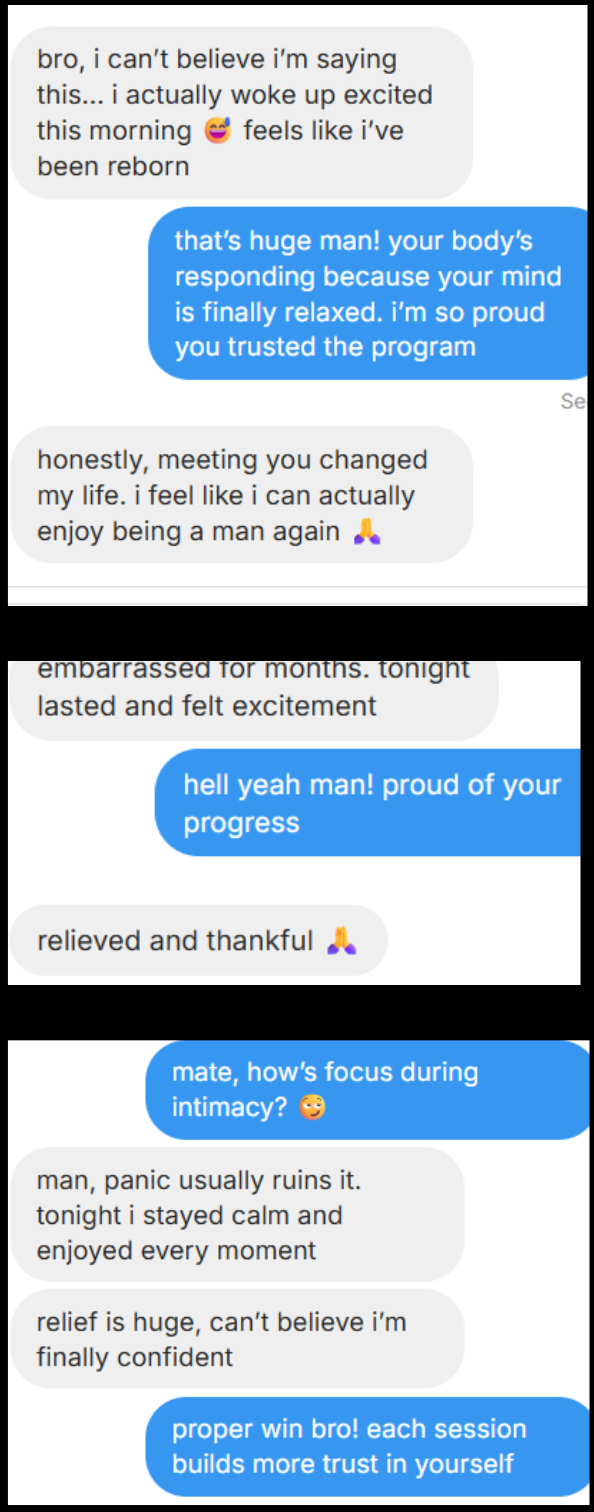
Will this work for me?
Step 2/2: Watch this
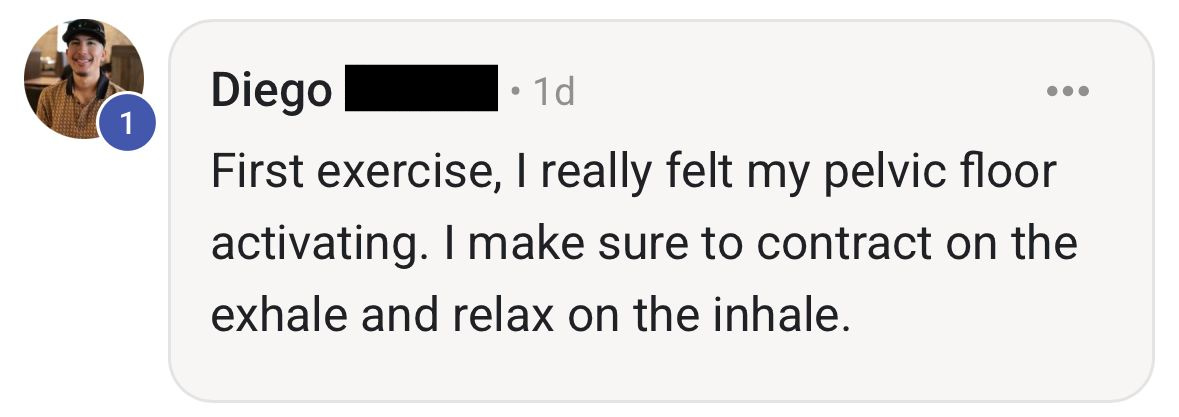
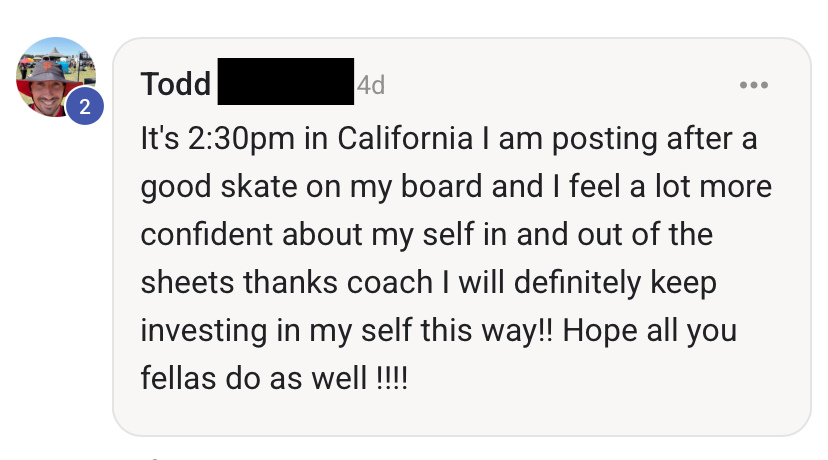
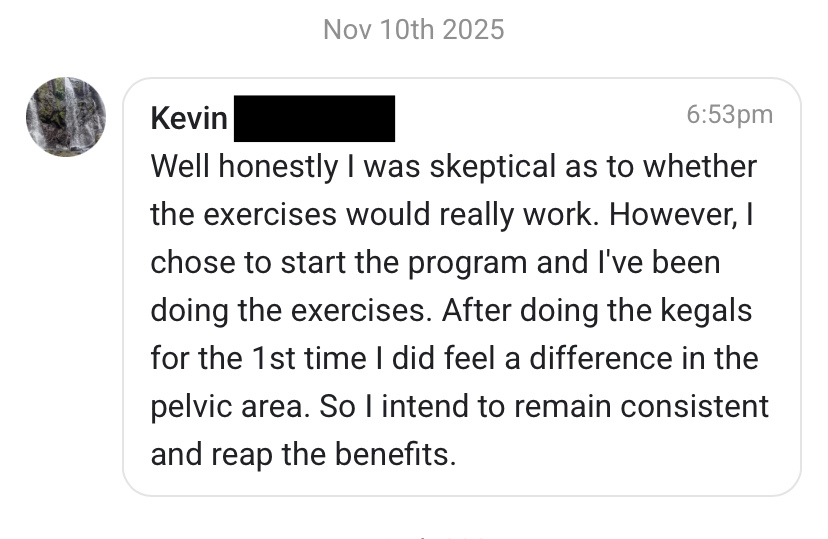
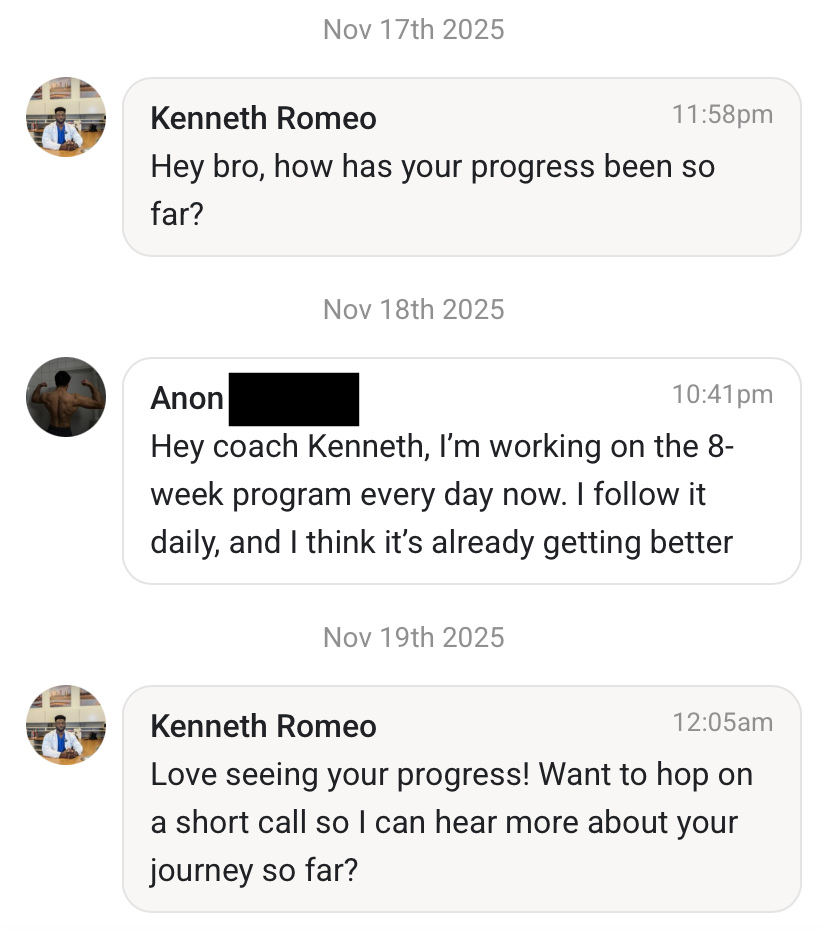
See what others have achieved
Click and see for yourself





×